
How to Summarize PDFs the Smart Way for Better Results
Let’s be honest, almost all of us have that “folder of hope”.
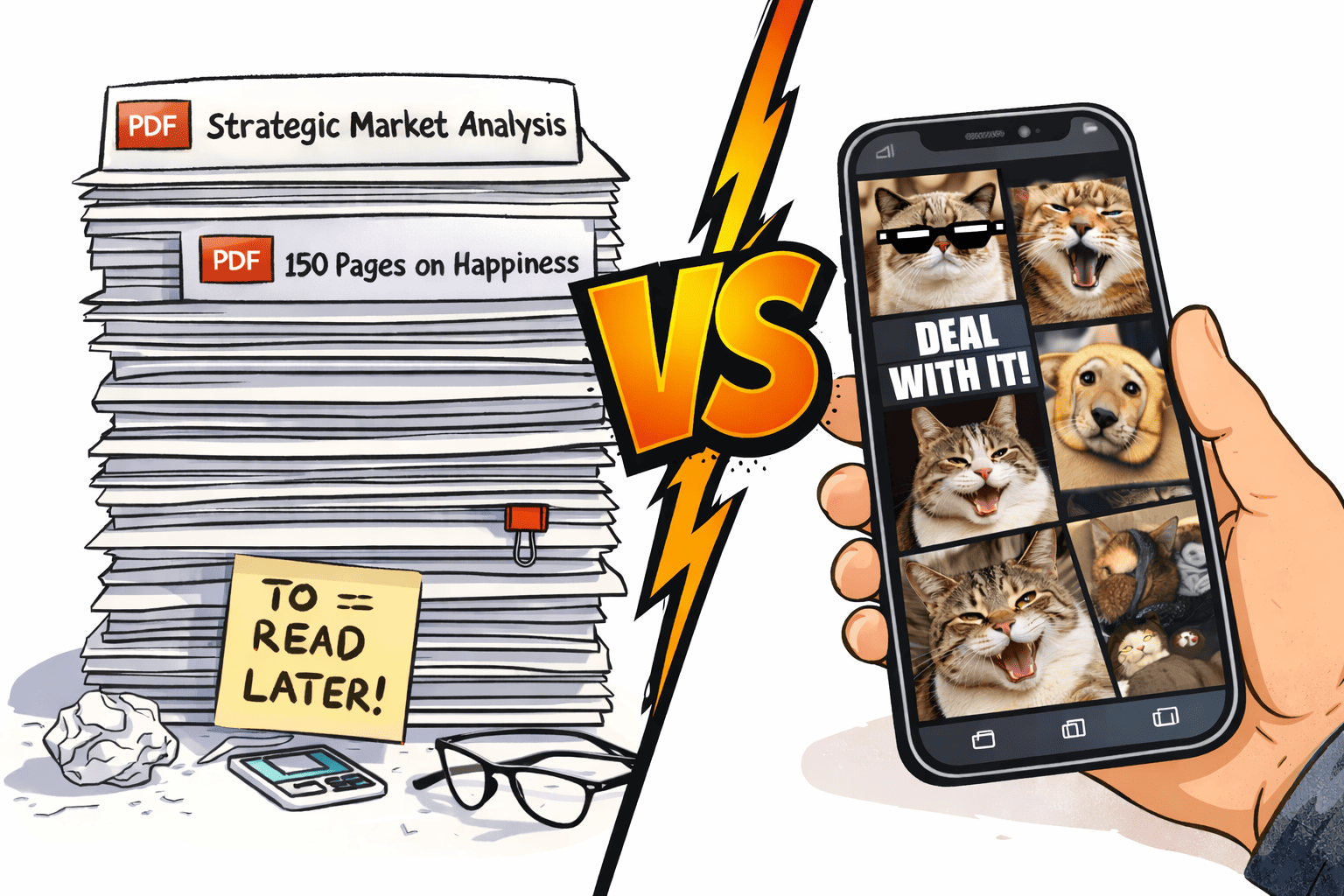
You know the one: the place where we carefully save those smart-looking PDFs with titles like “Strategic Market Analysis of Something or Other” or “150 Pages on How to Be Happy”.
We promise ourselves we’ll dive into them on Saturday morning, over a nice cup of coffee. But then Saturday actually rolls around… and the smart document loses to Netflix or cat memes in a 10–0 blowout.
And that’s where AI PDF Summarizer comes in.
What’s the magic behind it?
In short, it’s your personal digital sidekick with a superpower – it actually loves reading boring documents.
You feed it a 50-page monster of a file, and it quickly gets back to you with something like:
“Look, long story short: if you want to be happy, spend less time scrolling, drink more water, and stop comparing yourself to people whose lives look ‘perfect’ (spoiler: they aren’t).”
Why does PDF Summarizer actually work?
- No fluff: The AI is ruthless. It cuts out all those “introductions about the importance of being important” and gets straight to the facts and figures.
- Interrogation mode: With the Ask PDF feature, you can literally question the document: “What does the author suggest I do when everything is driving me crazy right now?” – and it will give you a clear answer based on the text.
- No language barriers: Whether your file is in Spanish or Chinese, the AI reads it all and gives you the gist in your language of choice. No more copying paragraphs into a translator and guessing what the author actually meant.
A small caveat for the soul
Of course, there’s a catch.
If you feed a summarizer a book of poetry or a deep philosophical novel, the magic starts to fade. The AI will retell the plot, sure – but it won’t give you those goosebumps.
So when it comes to inspiration, stick with the original.
But all those “how to improve your life” guides? Feel free to hand them over to the algorithms without a second thought.
Reading books cover to cover is great for the soul.
But for reports, guides, and everything you just need to understand quickly, tools that let you summarize PDF documents can save your most valuable resource – time.
Now, about our PDF Summarizer
We’re human too. We have that same “folder of hope” and those random files that land right in the middle of your day, exactly when you least expect them.
So we made our AI PDF summarizer as simple and intuitive as possible, while still being fast and effective. Here’s how it works:
In short: just upload your file, hit “Summarize PDF,” and ask questions if you need to.
Key Features:
- Chat with your text (ChatPDF): Ask any PDF a question and get instant answers. It’s like having a friend who’s already read the whole thing and can give you the highlights.
- Custom summary length: Need a quick TL;DR (Short), a balanced summary (Medium), or a deep dive (Detailed)? You choose.
- 52 languages supported: Upload a document in any language and get your summary in the one you prefer.
- More than just documents: From long-form articles and web pages to any text you paste.
How to get more useful summaries from any PDF
A good summary is not just a shorter version of the text. It should help you quickly understand what actually matters without going through the entire document.
Here are a few simple ways to make summaries more useful in practice.
Choose the right level of detail
Not every PDF needs a detailed breakdown.
If you only want a quick understanding, a short summary is enough. It helps you decide whether the document is worth your time.
But if you plan to use the information later, for example in work or study, a more detailed summary makes sense. It gives you the context and key points you might need.
The goal is balance. Too short and you lose meaning. Too long and you are back to reading everything.
Be clear about what you need
The biggest mistake is being vague.
Before you summarize anything, ask yourself what you are looking for. Do you want conclusions, key ideas, or specific insights?
When your goal is clear, the result becomes much more useful. Instead of a generic summary, you get information that actually helps you move forward.
Treat numbers and facts carefully
Summaries are great for getting the idea of a document, but they are not always perfect when it comes to details.
If the document includes statistics, dates, or important figures, it is worth checking the original source. This takes a few seconds and prevents mistakes later.
Think of a summary as a guide, not a final source of truth.
Start with a summary, then go deeper
A smart way to work with any PDF is to begin with a quick overview.
Read the summary first to understand the structure and main ideas. Then go back to the original document and focus only on the sections that matter.
This approach saves time and keeps you focused. You avoid reading everything while still getting the details you need.
So, what’s the takeaway?
PDF summarizers aren’t about being lazy. They’re about staying informed in a world where there’s simply more to read than there is time.