
PDF Summarizer
We live in a world with more information than ever, but not more time.
So today, it’s not about reading more, but about getting to the point faster. And that’s why AI summarizers are becoming a must-have tool.
What’s the real benefit?
Imagine this: you get a 40-page document. There’s something important in it… probably.
Instead of reading every line, you just:
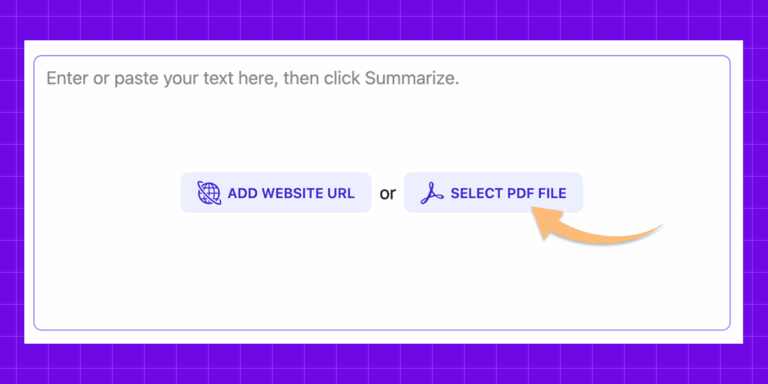
- upload the file
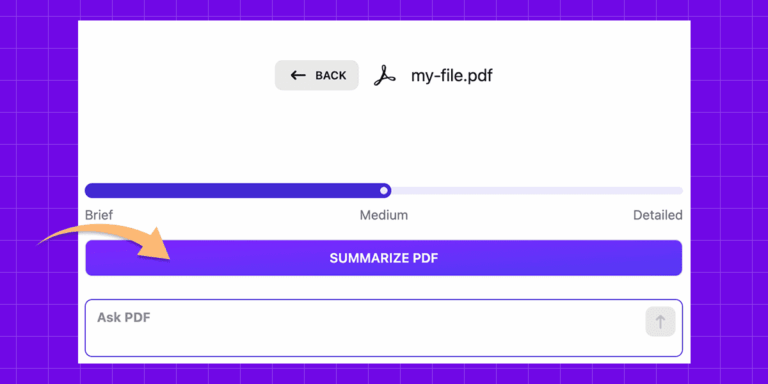
- click Summarize PDF
- get the key points in seconds
- within minutes, understand what it’s actually about
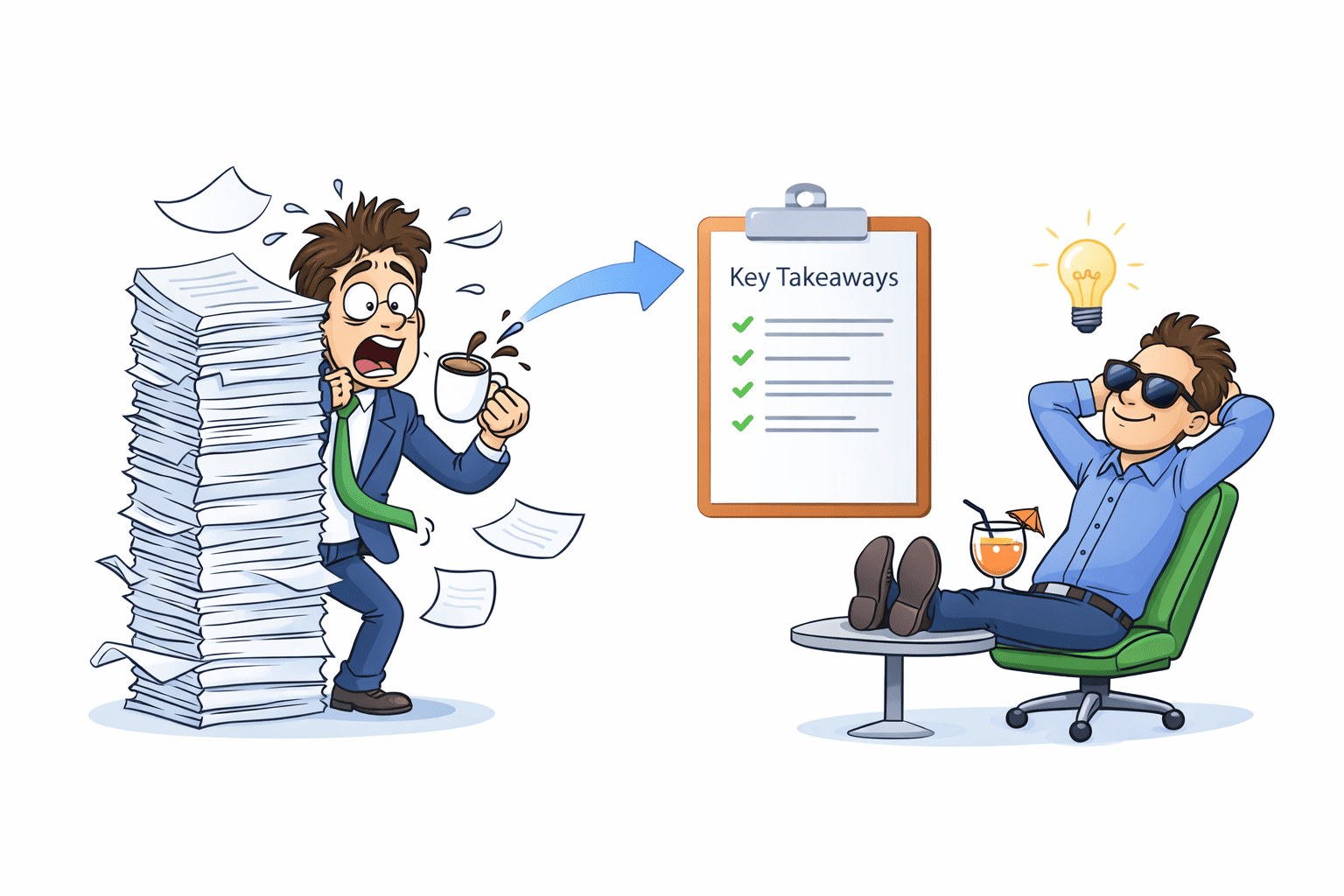
Think of it as a movie trailer.
You watch the highlights first to see if the full story is worth your time. Get the big picture instantly, and only dive into the details when they actually matter.
You don’t have to read every word to know what’s going on. Get the gist in a minute, and only dig into the details if you actually need to.
What changes with AI PDF Summarizer?
It’s more than just shortening text. It’s like having a personal assistant that has already done the work for you:
- Reads the entire document in seconds.
- Highlights what actually matters.
- Filters out the noise and repetitive fluff.
- Gives you the essence, fast.
And if you need more, you can go further.
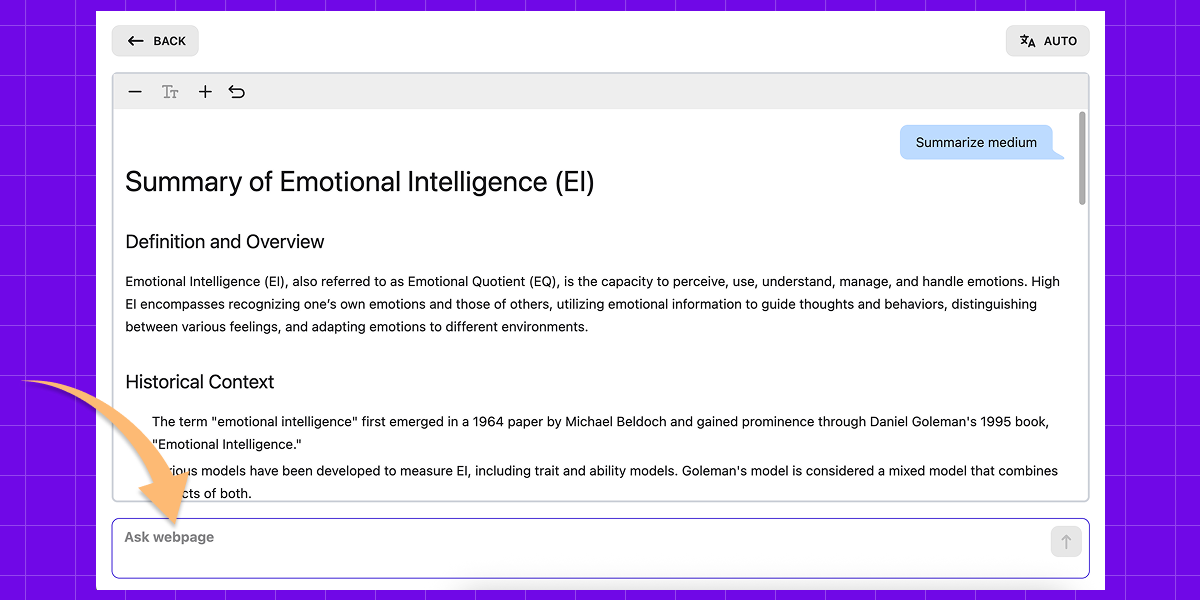
You can chat with PDF – ask any question and get answers directly from the text.
Using AI to summarize PDFs, you’re not just saving time, you’re understanding more with less effort.
How it works
The process is simple
What PDF Summarizer can do
Where it really helps
How to Get Better Results from PDF Summarization
A great overview isn’t just a shorter text, it’s a shortcut to what actually matters. With AI PDF reader, you can quickly understand content without reading everything. To save time without losing the core message, follow these simple strategies:
1. Pick the Right Level of Detail
Not every document deserves a deep dive.
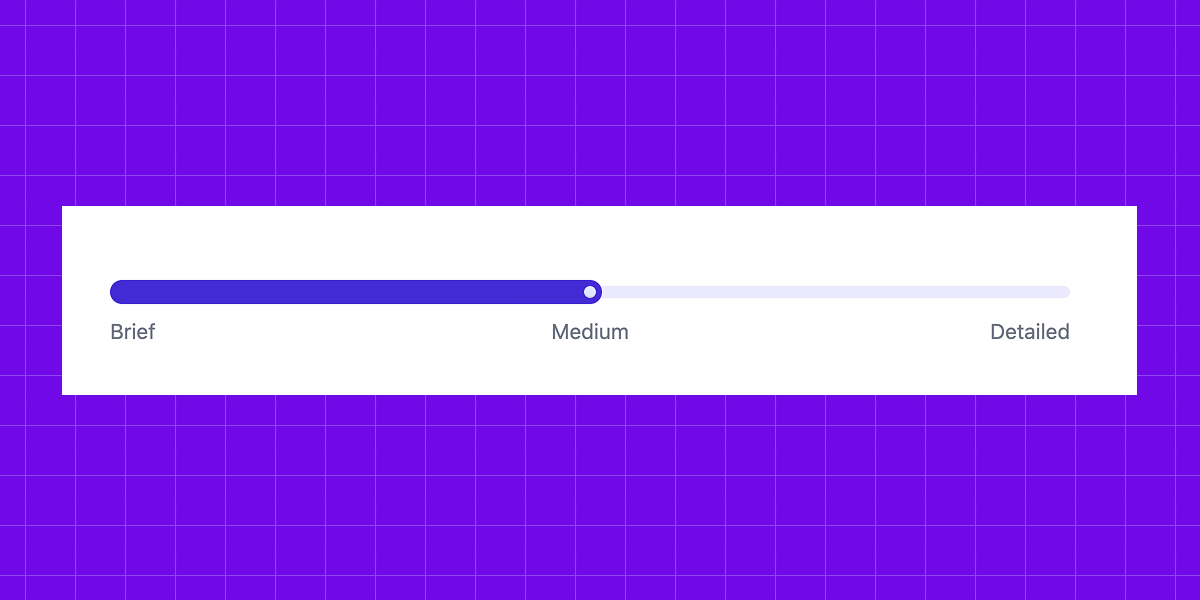
- Go Short when you just need to decide if a paper is worth your time.
- Go Detailed for work or study, where losing context might mean losing the point.
The goal: Find the sweet spot where you get the substance without the fluff.
2. Know What You’re Looking For
A common mistake is starting without a clear goal. Ask yourself: “Do I need the main conclusion, specific data points, or just the key arguments?”
When you have a clear intent, the PDF summary becomes a practical tool rather than just a wall of text. With the Chat PDF feature, you can ask questions like:
- What are the main takeaways?
- What does the author recommend?
- Are there any risks or limitations?
- What should I focus on?
3. Be careful with facts and data
Our PDF AI gives you a clear, high-quality overview, but it focuses on the big picture rather than every detail.
If your document includes important numbers, legal terms, dates, or technical information, it’s a good idea to check the original source. It only takes a moment and helps you avoid mistakes, especially if you’re using the information for work or presentations.
We’ve built our AI PDF summarizer to be as accurate as possible, but it’s best used as a guide and not as a final source of truth.
4. Start broad, then go narrow
The most efficient way to work through a long PDF: read the summary first, then open the document only for the parts that actually matter to you.
This way you’re not reading everything, you’re reading selectively. You skip what’s irrelevant and spend your time only where it counts.
PDF Summarizer is about reading less and understanding more
It’s not about being lazy. It’s about using your time better. You only dive into the details when they actually matter.
Instead of reading everything from start to finish, you can quickly find what is useful, decide what needs a closer look, and move on with more confidence. It’s a smarter way to work with information and stay focused on what matters most.
We hope our product helps you handle your tasks more easily and makes working with information simpler and faster.
User reviews of our AI PDF Summarizer









FAQ
- What is an AI PDF Summarizer?
It’s an AI tool that summarizes PDFs so you can quickly understand them and even ask questions. It keeps the key ideas, helping you save time without reading everything.
- Can I change the output language?
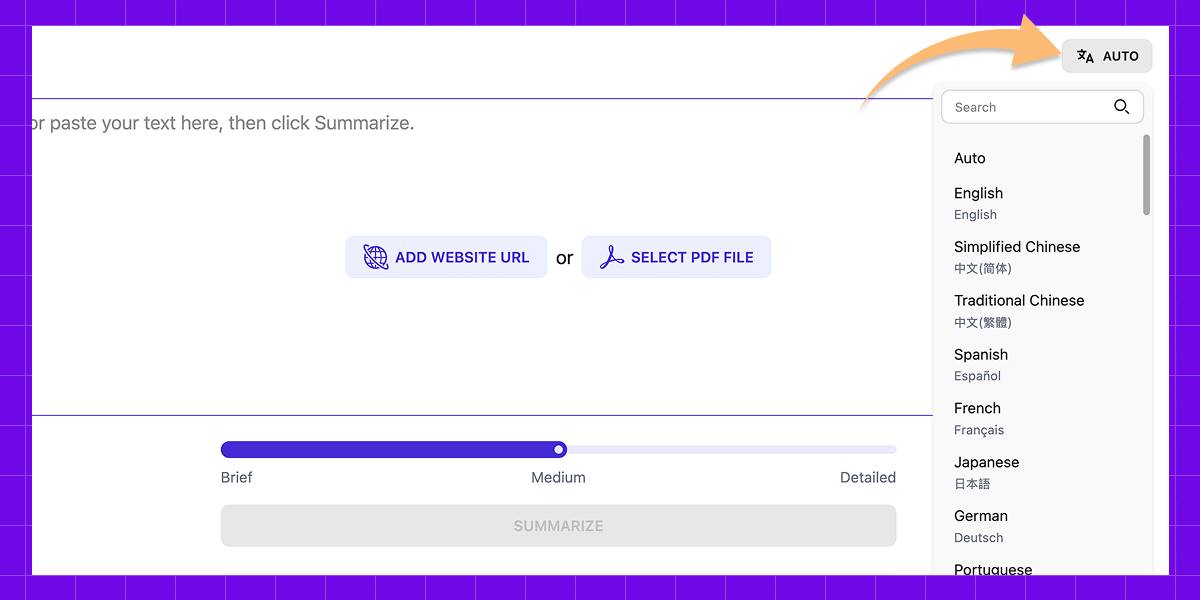
Yes! You can select the language you want the result in. For example, you can summarize PDF files from English into any of the 52 supported languages.
- Can I choose the length of the summary?
Yes! You can choose between short, medium, or detailed, depending on how much detail you need.
- Is there a Chat PDF feature?
Yes! We offer a feature often searched as ChatPDF. You can ask specific questions about your PDF and get clear, focused answers instantly without reading the entire document.
- Is my data private and secure?
We handle your data securely, keep it private, and never store it on our servers. Protecting your privacy is one of our core values.